Dante Commentary
AVN-CU4
Dante® Commentator Unit, 4 Commentators
The AVN-CU4 is a portable, configurable commentator unit. Using Dante® AoIP together with 4 wire connections the AVN-CU4 bridges the gap between old and new technology.






⤢ Click image to enlarge
About AVN-CU4
At a Glance
The AVN-CU4 was designed from the ground up to be totally flexible in operation. The use of Dante AoIP means that inputs and outputs can be added as required (up to a max of 16 per unit). Any physical input can be combined, mixed, and routed to any output, giving you complete flexibility to create fully customisable cross-points. Additionally, you can choose which of those cross-points need to be controlled by the use of rotary encoders.
Configurable Rotary Encoders
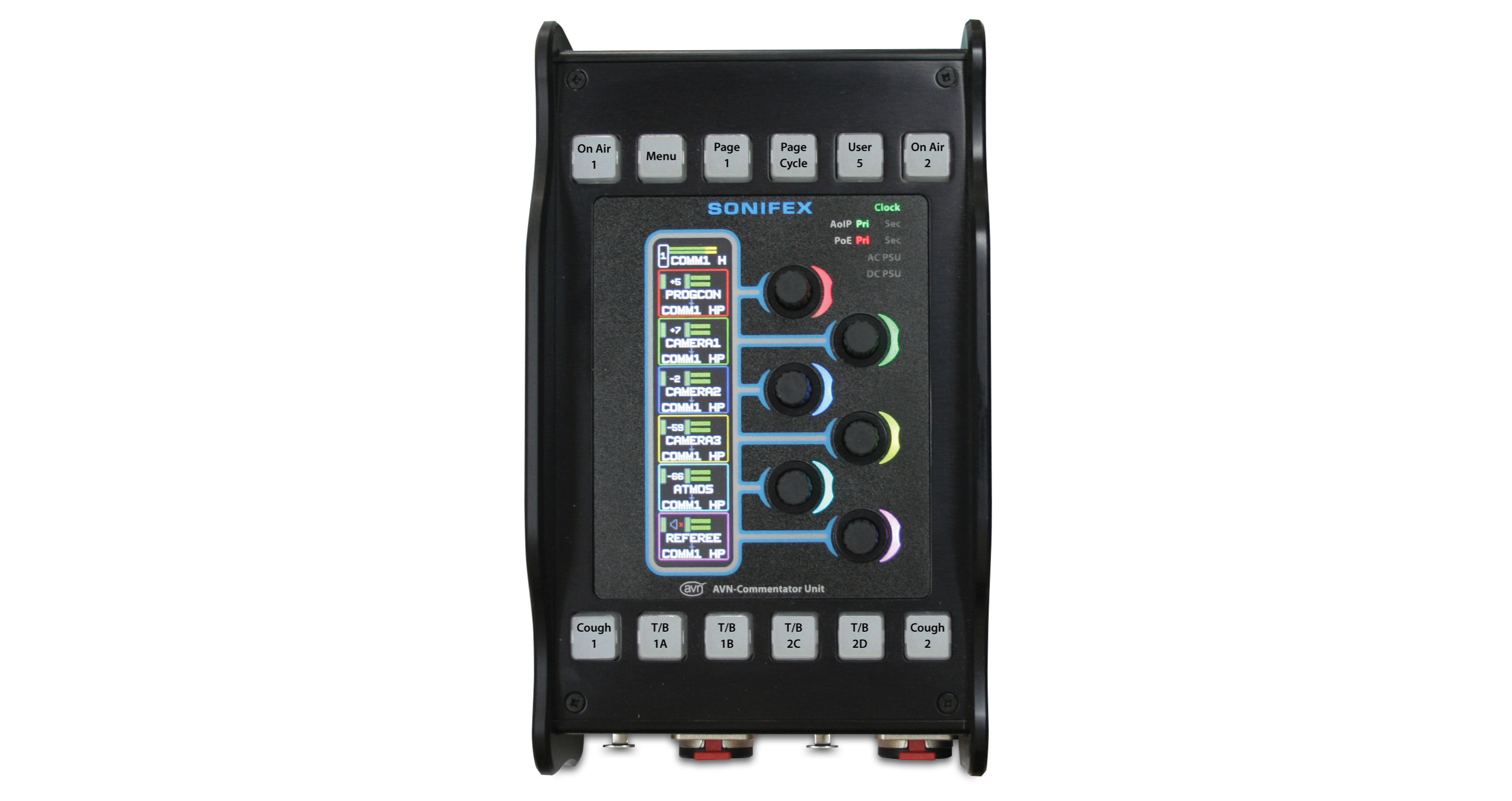
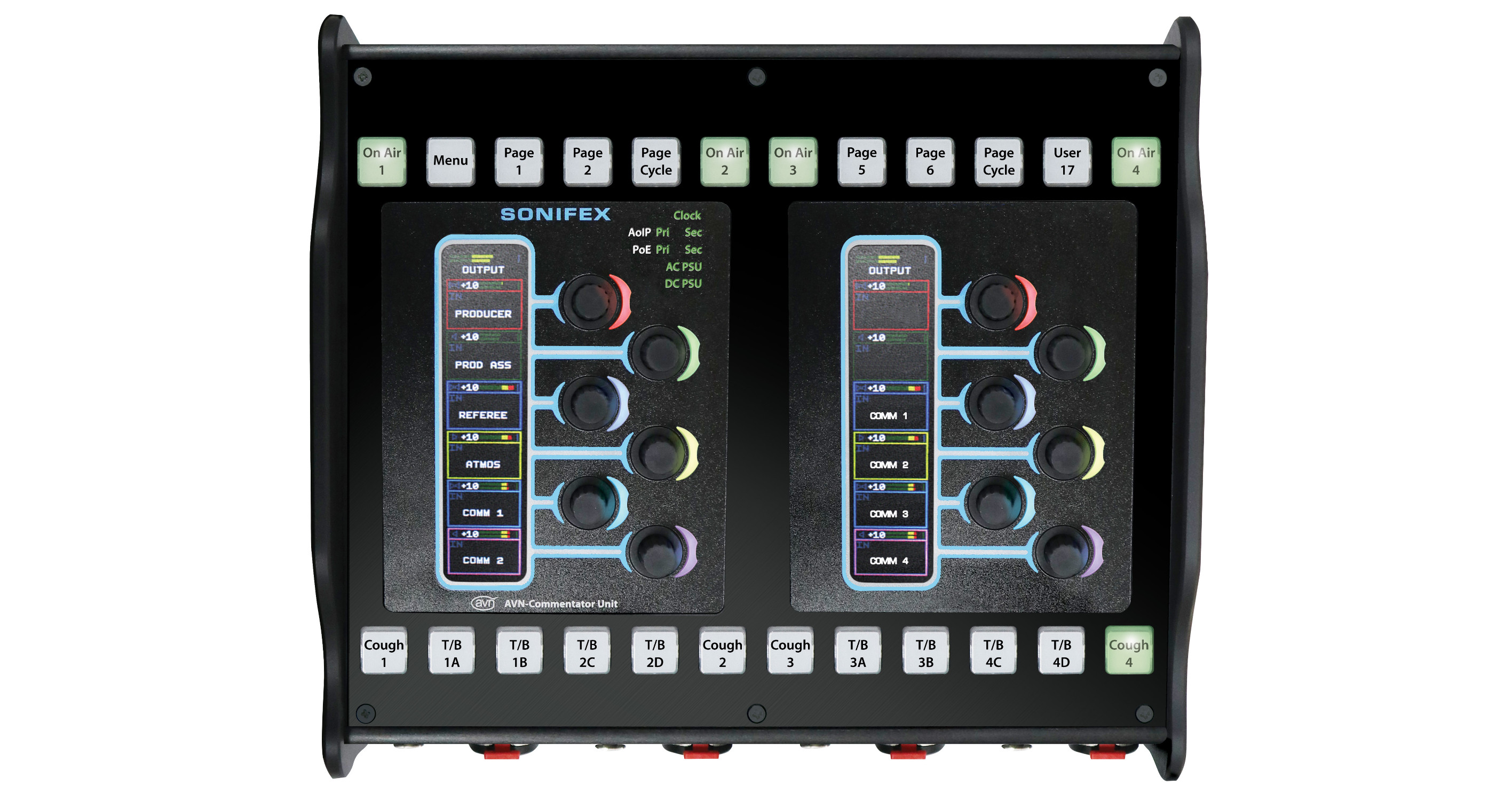
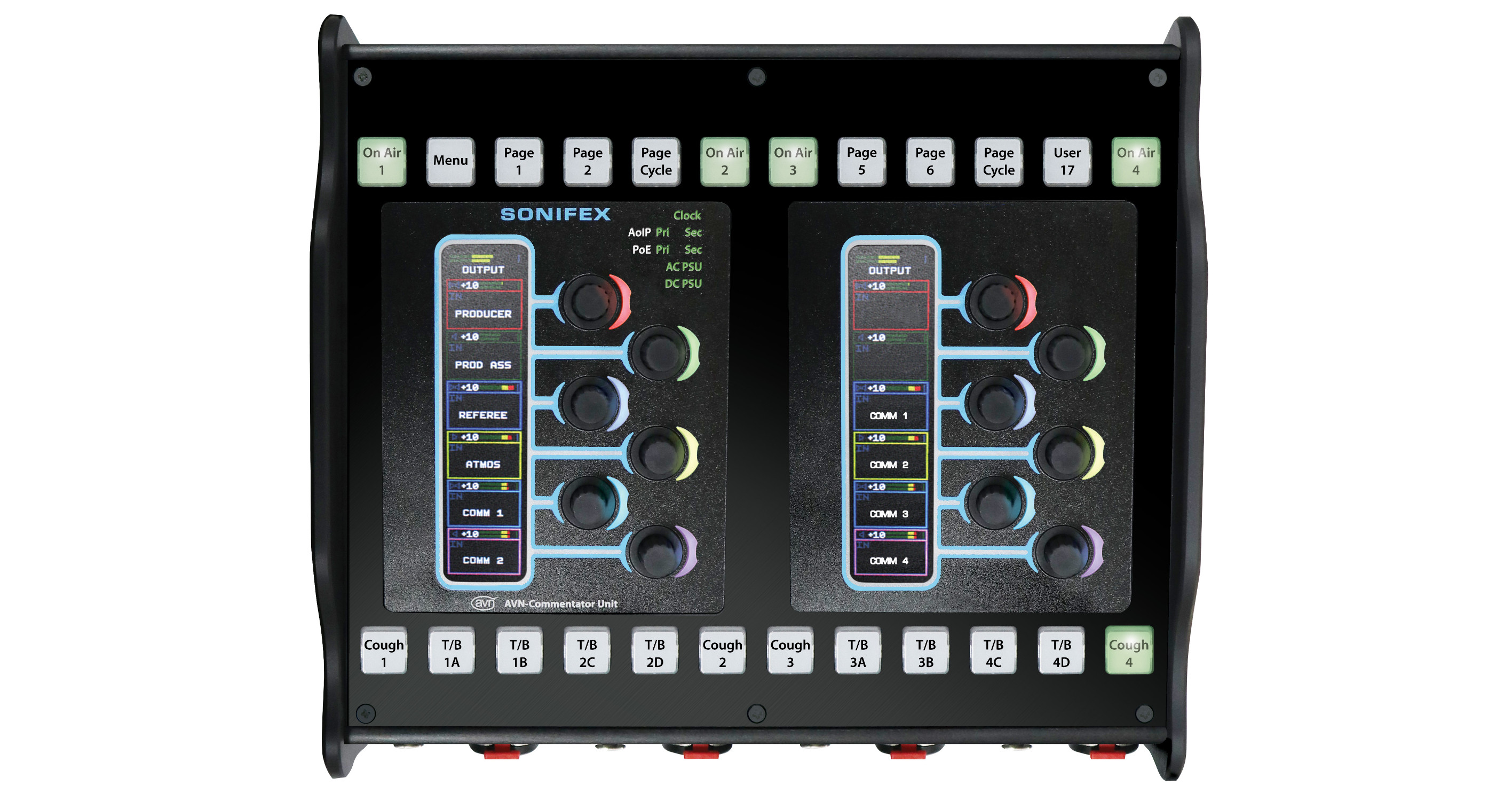
Using a built-in web GUI, up to 48 encoders (8 nameable pages of 6 rotary encoders) can be assigned to inputs, outputs or cross-points. Encoders can control the volume and pan of headphones and volume of the assigned inputs, outputs or cross-points. Each rotary encoder has a separate colour-coded meter section showing the channel name, detailed level metering and left/right panning on a bright daylight reading display. The colours are configurable to quickly identify particular source groups, so headphone source selection becomes intuitive.
Remote Web Control
The unit can be fully remotely controlled from the web interface, which mimics the front panel of the unit and includes live metering. All the controls can be operated as if at the unit and there are front-panel lock-out options for every button and encoder, with ‘quick lock-out’ for the rows of buttons and pages of encoders.
Four-Commentator Operation
The AVN-CU4 has 4 x locking mic/line inputs with +48V phantom power indication and 4 x headphone outputs on locking 6.35mm jack sockets, suitable for operation by four commentators.
Flexible Power
The unit supports full redundancy, using Power over Ethernet+ (PoE+), mains AC or 4 pin XLR 12V DC.
Metering & Limiting
Metering is available per input/output, with output metering configurable as, pre, or post level adjustment. An adjustable limiter is available on every output and is applied automatically to prevent signal clipping.
Flexible Four-Wire I/O
The unit provides multiple 4-wire connections for integration with external systems:
4 × analogue line inputs (locking XLR)
6 × analogue line outputs (XLR)
1 × RJ45 AES3 stereo input
1 × RJ45 AES3 stereo output
All 4-wire connections can be freely assigned as programme, talkback, mic (line level), PA, or zone signals. They can also be used as insert or breakout points to and from the AoIP network.
Redundant Networking & GPIO
The unit has dual redundant network ports on both RJ45 (Neutrik EtherCON® connectors) and SFP cages for long fibre runs. The AVN-CU4 support three network modes: Switched, Redundant, and Remote mode. In Switched mode, all ports carry both audio and control traffic on a single VLAN. Redundant mode separates audio across primary and secondary VLANs for resilience, but keeps control traffic only on the primary network. Remote mode builds on this by fully separating audio and control, introducing a dedicated “Control VLAN” while maintaining redundant Dante audio on the primary and secondary Ethernet ports. In this configuration, audio remains on the Ethernet ports, while the SFP ports are used exclusively for control, improving traffic isolation and making network design more flexible.
A total of 10 configurable GPIO connections are available via a 15-way D-type connector, including one switched changeover output. Both physical GPIO and virtual GPIO (VGPIO) can be configured within a matrix to trigger system actions, including muting and other automated functions. VGPIO also allows control between network-connected AVN-CU units.
Configuration & Pre-sets
The complete configuration of the unit, including all encoder settings, button setups and Dante mix matrix audio routes, can be saved off to a text editable .json file. Up to 8 of these files can be stored on the unit and loaded from the main Menu. This enables the unit to be pre-configured for any venue, or event and with these setups instantly recalled onsite.
Front Panel Controls
The front panel consists of:
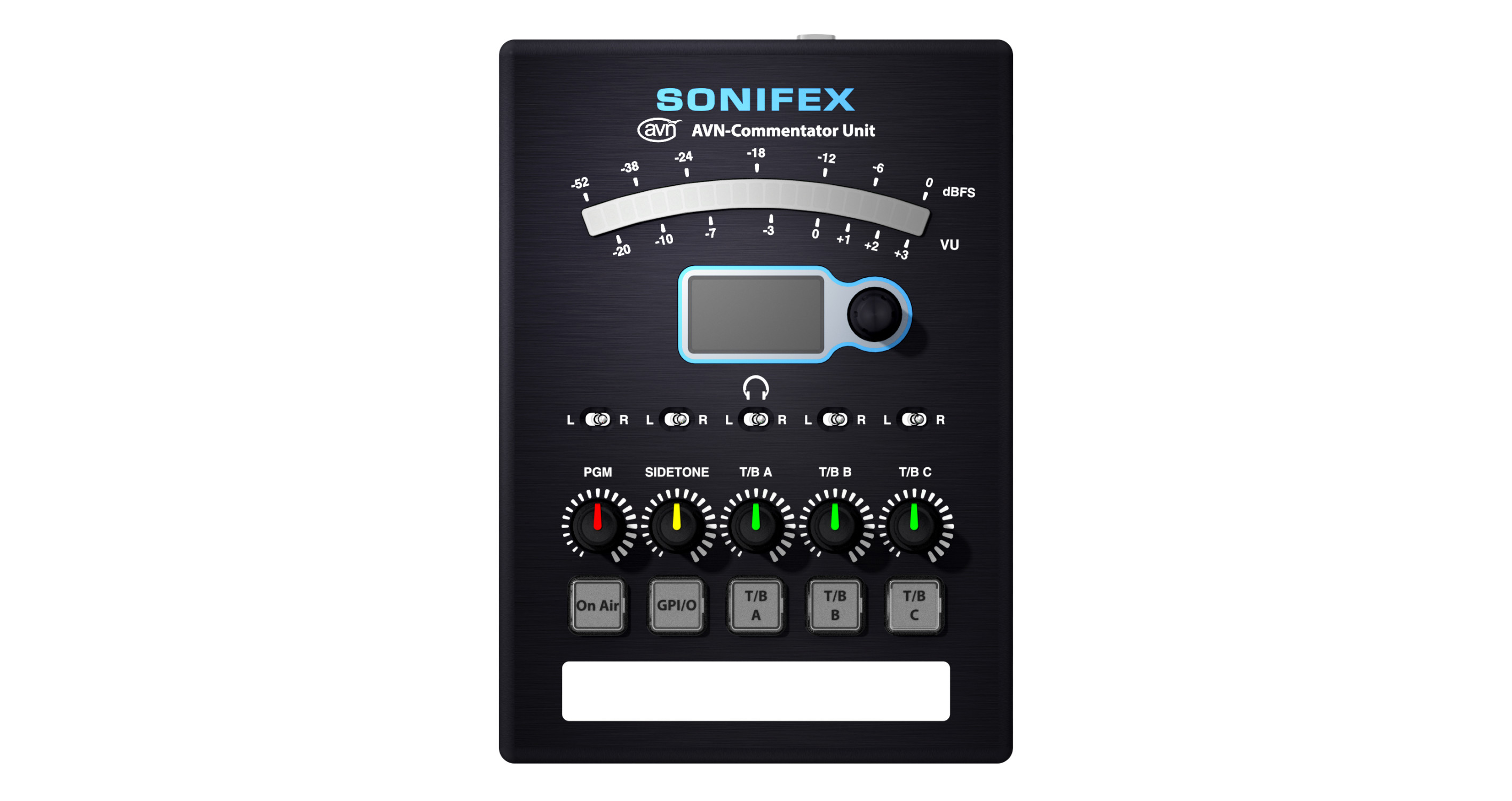
4 x On-Air buttons can be used to connect mic audio to the main output, either over AoIP or via the AES digital audio connection.
2 x Menu buttons can be used to access limited setup options on the TFT display.
4 x Page buttons change the display and encoders to monitor an additional set of sources, cross-points or outputs. Up to 8 pages can be pre-programmed, e.g. one for talkback inputs, one for outputs, one to monitor other sources.
4 x Cough buttons take the commentator off-air while pressed.
2 x User buttons can be programmed to perform any function.
8 x T/B (talkback) buttons can be configured to initiate talkback over AoIP or AES digital audio connection, using 4 x talkback buses. The talkback buttons operate with lazy talkback, taking the commentator off-air when invoked.
12 x rotary encoders.
Status Indication
The illuminated ‘Sonifex’ logo acts as a power indication and there are illuminated LEDs to indicate network clock, AoIP primary and secondary link, PoE primary and secondary status and when DC power active.
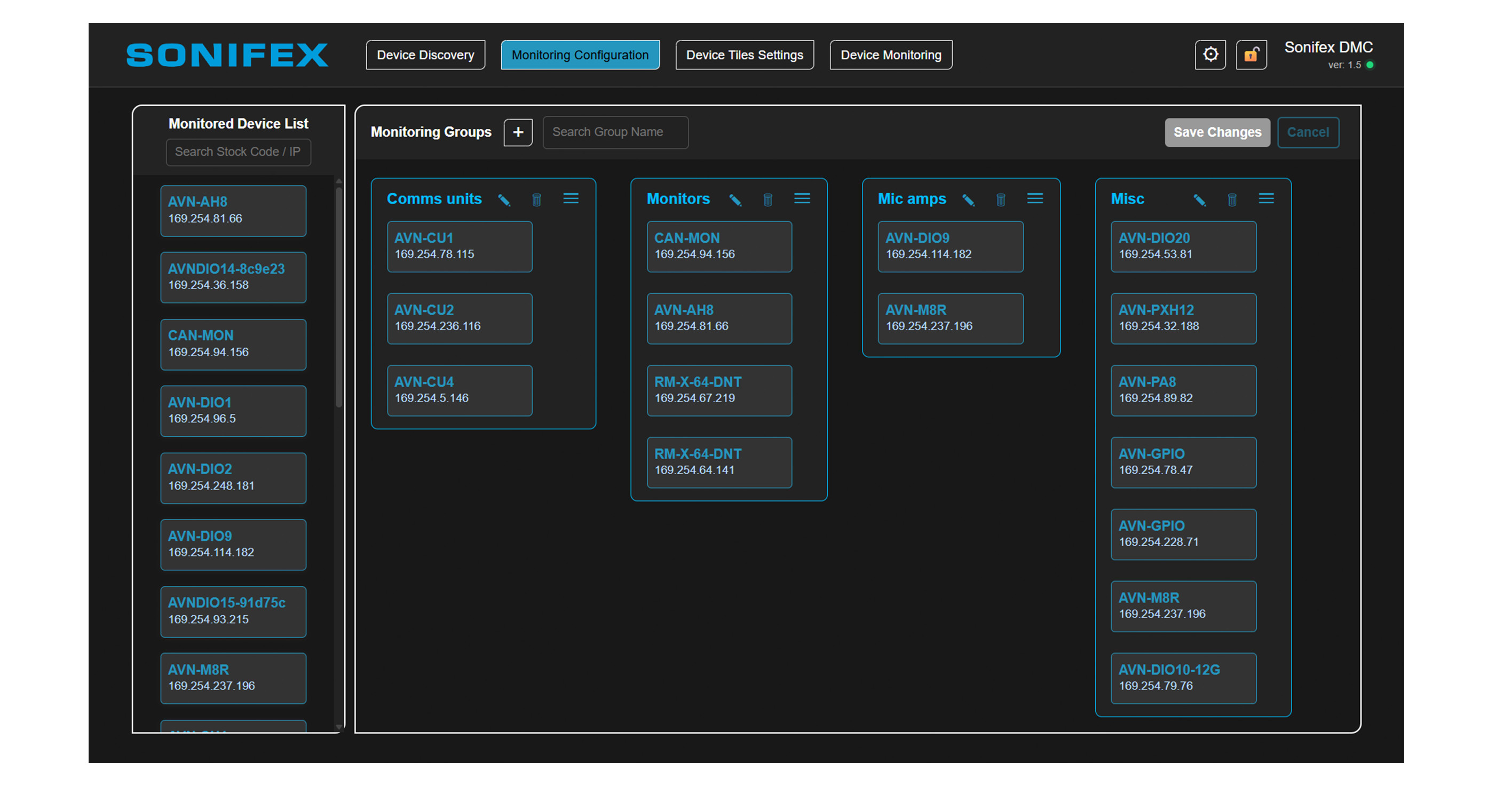
Perfectly integrates with the Sonifex DMC Discovery, Monitoring & Control Software
Sonifex Discovery & Control Software represents a step forward in how our products integrate and perform in your critical environments. Available as a free download, this powerful application enables you to easily discover, monitor, and control Sonifex Dante and RAVENNA devices across your network. Learn more.
Typical Applications
Used in sports grounds, events and arenas by commentators to produce commentary & hear talkback, 16 x 16 matrix mixer with configurable controls for live eventsProduct Data
Technical Specifications
Network and AoIP
Mic/Line Inputs
Stereo Digital Input
Stereo Digital Output
Analogue Line Inputs
Analogue Line Outputs
Headphone Outputs
Main Panel Operational Controls & Indicators
Front Panel Connections
Rear Panel Connections
PoE Power
Equipment Type
Physical Specification
Accessories
Downloads & Resources
Support
Handbooks & Guides
Firmware
Version 3.25 · 13/11/2025Download ↗
Firmware Notes
Brochures
Declarations
Explore More