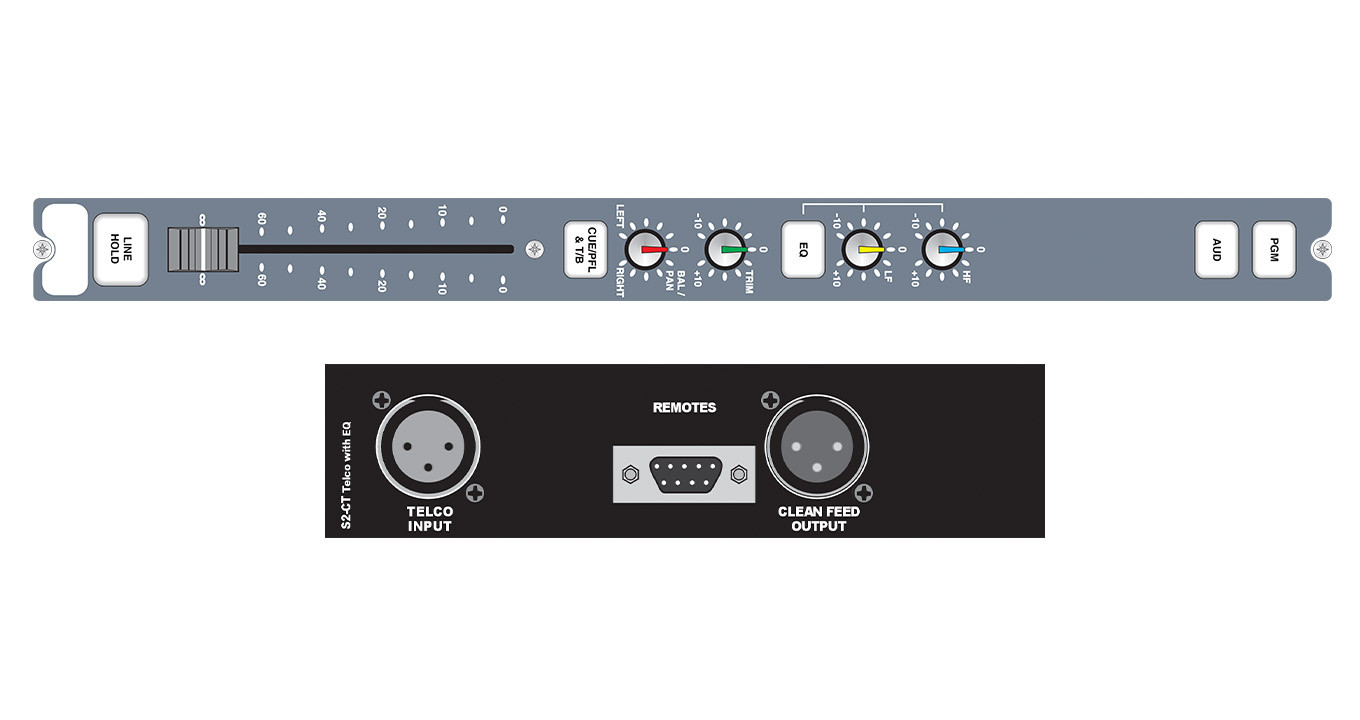
Mix Consoles
S2-CSMM
Stereo Mix Minus Channel
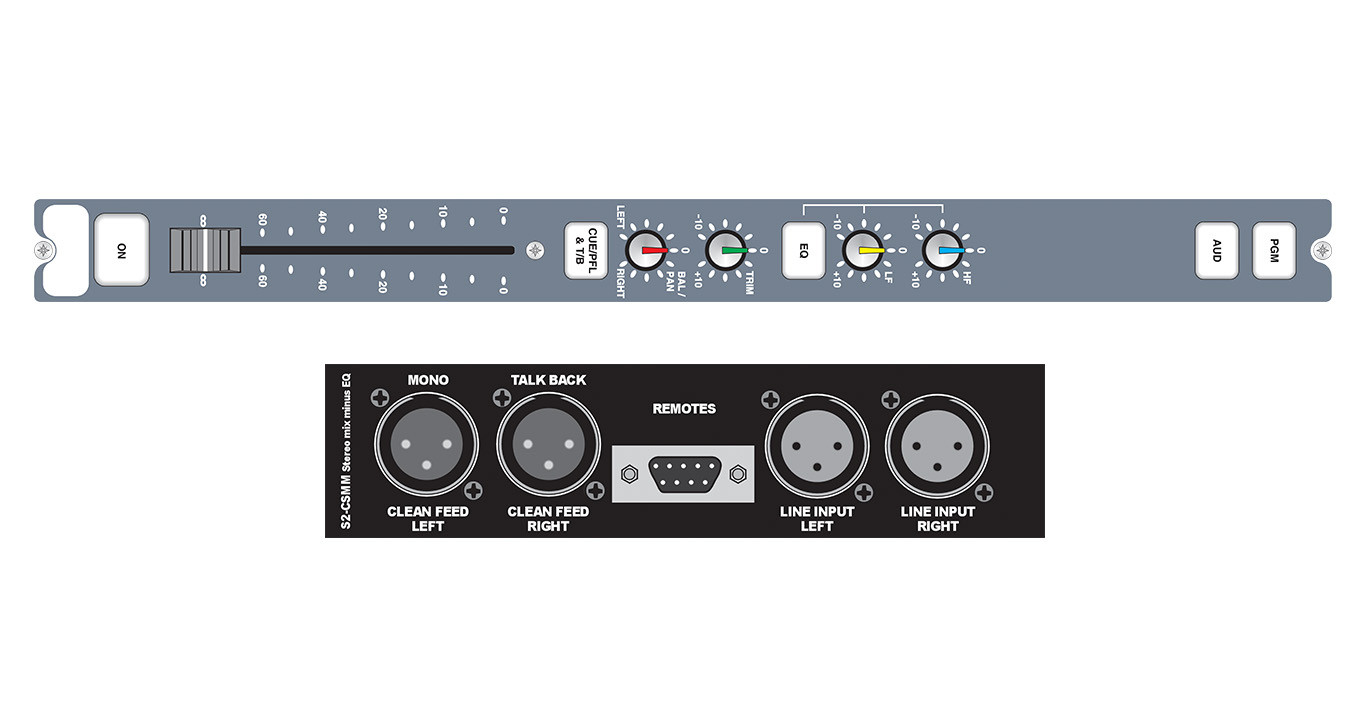
The stereo mix-minus channel has one balanced stereo line level input and a balanced stereo mix-minus output, on XLR connectors.
⤢ Click image to enlarge
About S2-CSMM
The stereo mix-minus channel has one balanced stereo line level input and a balanced stereo mix-minus output, on XLR connectors. The channel is intended for use where a remote stereo source, such as another studio connected via ISDN, requires a stereo cleanfeed return. The cleanfeed is generated by the mix-minus method from either the PGM or AUD outputs, depending on the routing selection.
Selecting the CUE/PFL & T/B button routes the pre-fader input signal to the monitoring system where the signal can be heard via headphones and/or loudspeakers. In addition, talkback is routed to the cleanfeed output. This enables the presenter/technical operator to communicate with the remote source prior to going live to air. PFL can be automatically disabled when the fader is opened.
The outputs on this channel can be configured by jumper settings as a mono sum of mix-minus on the left channel and continuous talkback on the right channel (for some ISDN codecs and hybrid applications).
The fader, or ON button, control a logic remote output function. The remote function can be configured to be either momentary or latched. The remote outputs on the 9 way D-type plug are fed from NPN opto-isolators. Continuous momentary start can be enabled such that when the fader is up and the channel is on, each press of the ON button triggers a momentary start.
Two remote pins can also be configured for general use as either inputs, outputs, latching, or momentary and active high or low. Uses for this include channel live indication or specific channel function remote control.
Selecting the PGM and/or AUD buttons routes the channel audio output to the PGM and/or AUD mix buses. Selecting the PGM button also routes the PGM main output via the mix minus system to the cleanfeed output. Selecting the AUD button routes the AUD main output to the mix minus system. The mix minus is derived from the PGM output when selecting both PGM and AUD.
Equalisation is fitted as standard on this channel and operates in the same was as on the S2-CSE channel. The channel can be used to control either one of two separate timer displays.
Typical Applications
Community, student, hospital and small scale radio broadcast mixer, secondary or backup on-air mixer.Product Data
Technical Specifications
Downloads & Resources
Support
Handbooks & Guides
Firmware
Download ↗
Firmware Notes
Full release notes for all firmware versions will appear here when available.
Brochures
Declarations
Explore More